Your device
Have your wallet and its in-box accessories nearby. Check that the packaging and device look as expected before you begin.
INDEPENDENT SETUP GUIDE 01 / 07
A considered first step for setting up a hardware wallet—with a little more clarity, and a lot more care.
Preparation, verification and recovery basics for your own setup journey.
Begin with the essentials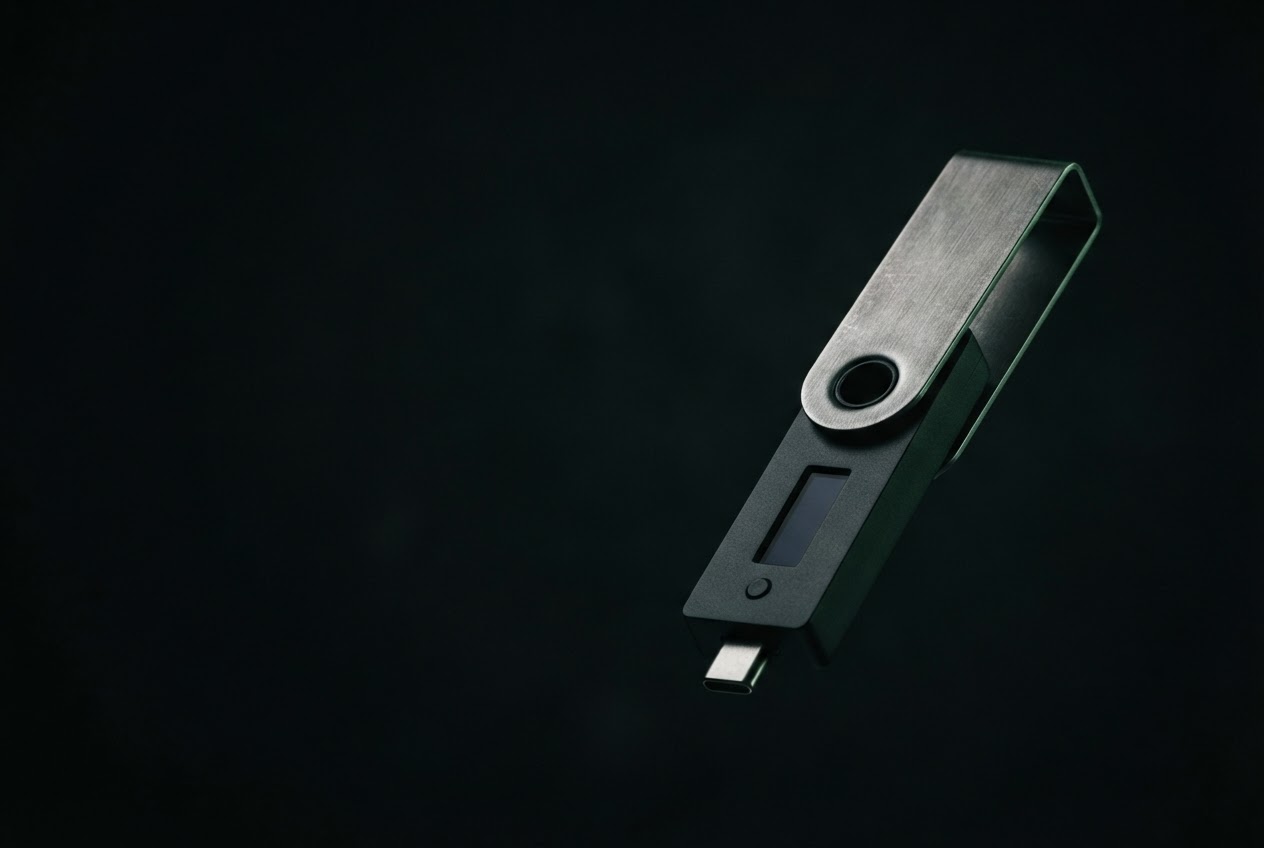
A hardware wallet is a personal security device. Getting started is not simply a matter of plugging something in; it is a chance to understand what the device is for, which instructions you can trust, and which details must remain private.
This independent guide offers a calm framework for approaching setup. It is not an official Ledger page, and it does not replace the current instructions supplied with your device or published by its manufacturer. Product versions, supported connections and setup screens can change, so consult official documentation whenever a step depends on your specific model.
Take your time. Use a private place, a device you control, and the official software source for your product. If a screen, message or request feels unexpected, pause and verify it before continuing.
PREPARE
Make the conditions around your setup as deliberate as the steps themselves.
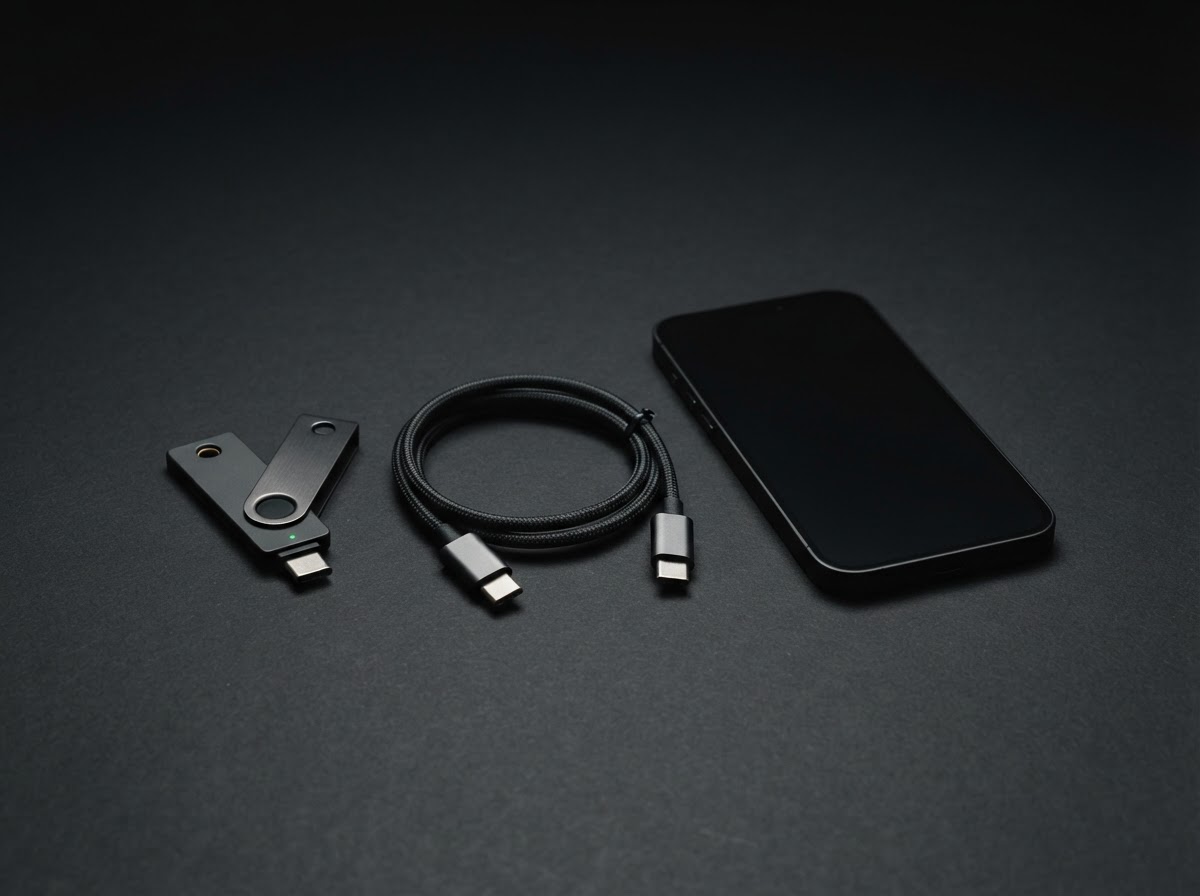
Have your wallet and its in-box accessories nearby. Check that the packaging and device look as expected before you begin.
Use a personal phone or computer you control. Get any companion application through the manufacturer’s verified channel.
Choose a place where you can read carefully without being watched, rushed or interrupted. Keep cameras and screen sharing away.
You do not need to complete every screen in one sitting. Stop whenever instructions seem unusual, unclear or urgent.
CONNECT
Follow the setup flow shown by the manufacturer for your exact device and operating system. Connection methods may differ: some hardware wallets connect by cable, others may support wireless pairing, and accessories can vary by model. Do not assume a cable, application or sequence from someone else’s setup is right for yours.
When you connect, read each prompt on both the companion screen and the device itself. A computer or phone can help you navigate, but it is not a reason to approve something you do not recognize. If a device asks you to install unknown software, enter private recovery words on a website, or act under pressure, disconnect and seek confirmation from official support resources.
Take one step at a time, keep your device physically with you, and make sure the connection behaves as its documentation describes. Familiarity is useful; blind repetition is not.
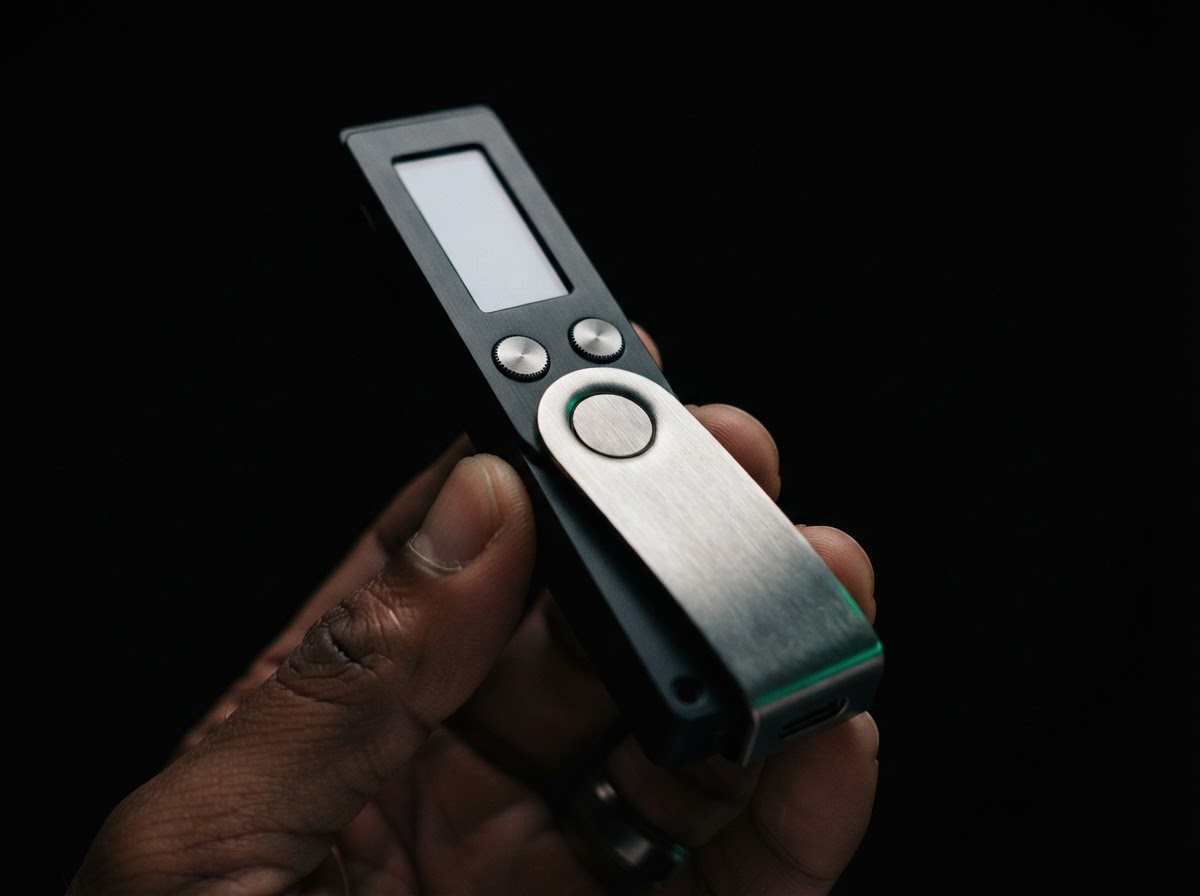 A CHECK BEFORE CONTINUING
 VERIFY
Verification is a habit, not a single green tick. Check that device details and prompts match what the official setup guide says you should see.
An unfamiliar prompt is a reason to pause—not a reason to hurry.
PROTECT
A hardware wallet can help keep sensitive signing actions separated from an internet-connected screen. It cannot make every decision for you. Security also depends on how you handle your device, your recovery information and the messages you trust.
Never type recovery words into a website, chat, email, support conversation or ordinary computer prompt. No legitimate helper needs you to disclose them.
Unexpected calls, direct messages, pop-ups and “account recovery” offers may imitate a trusted service. Leave the message and find the official channel yourself.
Store it securely, use a private PIN as instructed, and never approve an action you did not initiate. If something seems compromised, stop and consult official guidance.
RECOVERY
During an authentic setup, your device may guide you through creating recovery information—often a sequence of words, depending on the product. This information can be critical if a device is lost, damaged or replaced. Anyone who obtains it may be able to restore access, so treat it as the most sensitive part of your setup.
Record it only as directed by your device’s official instructions, in a private place and away from cameras, cloud notes, shared documents and connected devices. Do not photograph it, email it to yourself or store it in a password manager unless the manufacturer’s current guidance specifically supports that method for your situation. Never share it with a person claiming to be support.
Make sure you can find your protected backup later, but do not leave it somewhere visible or casually accessible. Consider physical risks where you live and the consequences of loss or exposure. Follow the product’s own guidance for checking a backup; never experiment with recovery words on an unverified screen or site.
If you are unsure whether a request is legitimate, assume the words should remain private, stop, and verify the instructions using official documentation you reach independently.
READY
A secure start is measured in careful choices, not speed.
I used the current instructions and a verified software source for my exact device.
SOURCE CONFIRMEDI read important prompts on the hardware wallet and stopped at anything unexpected.
DEVICE REVIEWEDMy recovery information is privately recorded, protected and never shared or uploaded.
BACKUP PROTECTEDI know where to find official product guidance if I need to check a step later.
GUIDANCE SAVEDWhen every answer feels clear, you are ready to continue at your own pace.